Three methodologies, one platform
Choose the board type that fits each project. Switch anytime as your needs evolve.
Kanban Board
Continuous flow without sprints. Work moves through columns as it progresses.
Best for: Teams with continuous delivery, support teams, and ongoing operations
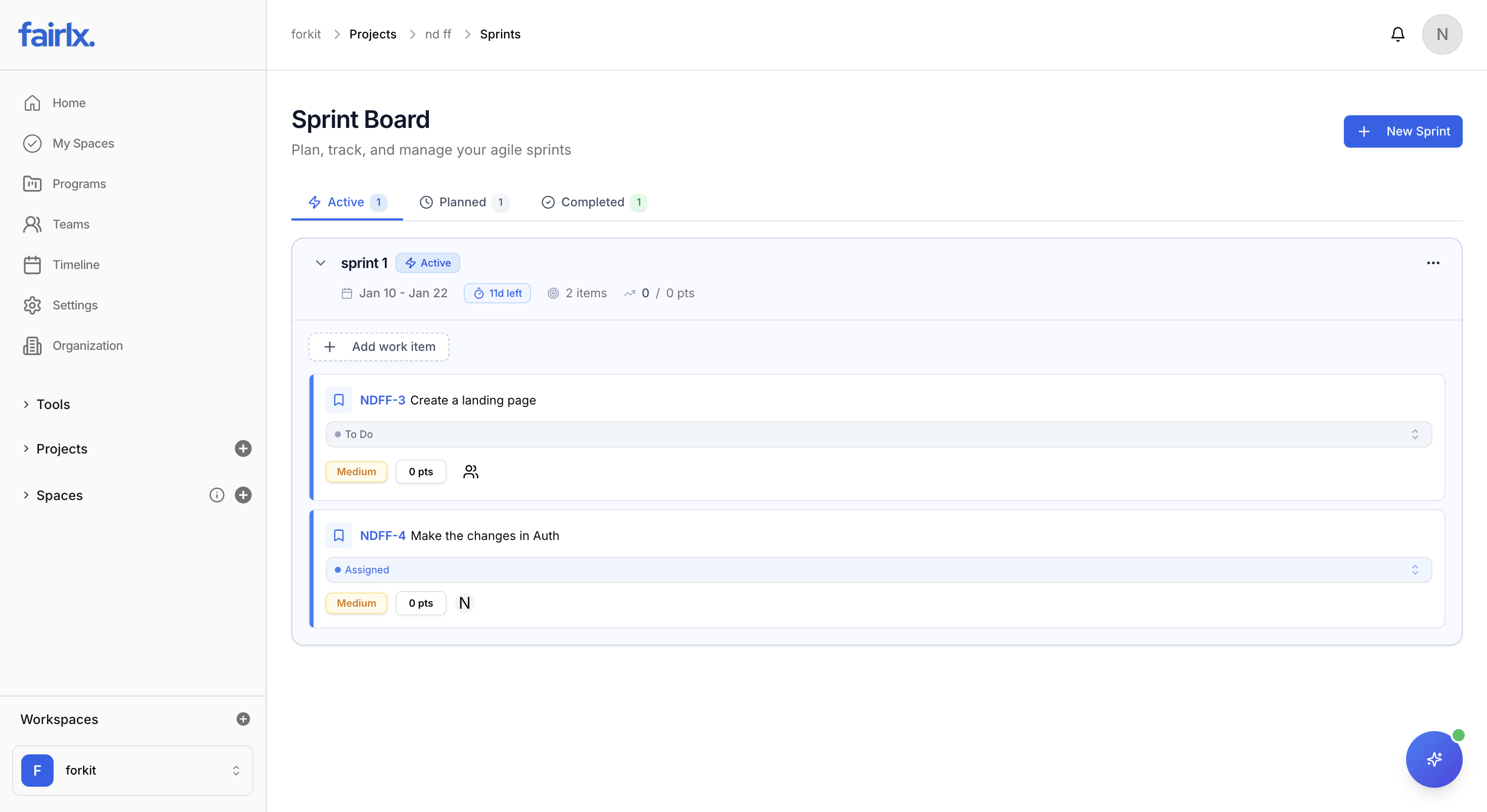
Scrum Board
Time-boxed sprints with planning, execution, and retrospectives.
Best for: Product development teams, feature-focused teams, and iterative projects
Hybrid Board
Best of both worlds. Use sprints when needed, Kanban when not.
Best for: Teams transitioning methodologies or with mixed project types
Boards that work like you do
Every feature designed to give you clarity and control over your work.
Custom Columns
Create unlimited columns to match your workflow. Each column represents a status in your process — from "Backlog" to "Done" and everything in between.
Drag & Drop
Move cards between columns with intuitive drag and drop. Reorder within columns to set priorities. Changes sync instantly for all team members.
WIP Limits
Set Work in Progress limits on any column to prevent bottlenecks. Visual warnings appear when limits are exceeded, keeping flow smooth.
Swimlanes
Organize cards into horizontal swimlanes by epic, assignee, priority, or custom field. Get a bird's-eye view of work across categories.
Quick Filters
Filter the board by assignee, label, priority, type, or any custom field. Save filter combinations as views for instant access.
Card Preview
See key details right on the card — assignee avatars, due dates, priority badges, story points, and custom field values without clicking.
Show what matters most
Configure which fields appear on your Kanban cards. Every team sees the information they need.
Title
Work item title with type icon
Key
Auto-generated unique identifier (e.g., PROJ-123)
Assignee
Avatar of the assigned team member
Priority
Color-coded priority badge (Low/Medium/High/Urgent)
Due Date
Due date with overdue highlighting
Story Points
Effort estimation in points
Labels
Custom color-coded labels
Subtask Progress
Progress bar showing completed subtasks
Time Logged
Hours logged vs estimated
Epic
Parent epic indicator
Sprint
Current sprint assignment
Custom Fields
Any custom field you've defined
Toggle any field on or off in board settings. Changes apply to the entire board instantly.
See work your way
Switch between views instantly. Same data, different perspectives for different needs.
Kanban Board
The classic card-based board view with drag-and-drop columns.
List View
Table-style view with sortable columns and inline editing.
Calendar View
See tasks plotted on a calendar by due date or custom date fields.
Timeline View
Gantt-style timeline showing task durations and dependencies.
Save & share custom views
Create filtered views with complex conditions and share them with your team.
View Scopes
Personal
Only visible to you
Project
Shared with project members
Space
Available across all projects in a space
Workspace
Organization-wide visibility
Filter Logic
Combine multiple conditions with AND/OR logic to create powerful filters.
18 Filter Operators
Filter by any field using these operators: